Stop selling with the same AliExpress photos as everyone else
CopyHero generates unique, branded, high-converting product images in bulk — straight from any AliExpress or Shopify URL. Background removal, lifestyle scenes, and store-ready visuals for your entire catalog, in minutes.
Generated images are added to the Shopify product with the listing.
7-day free trial
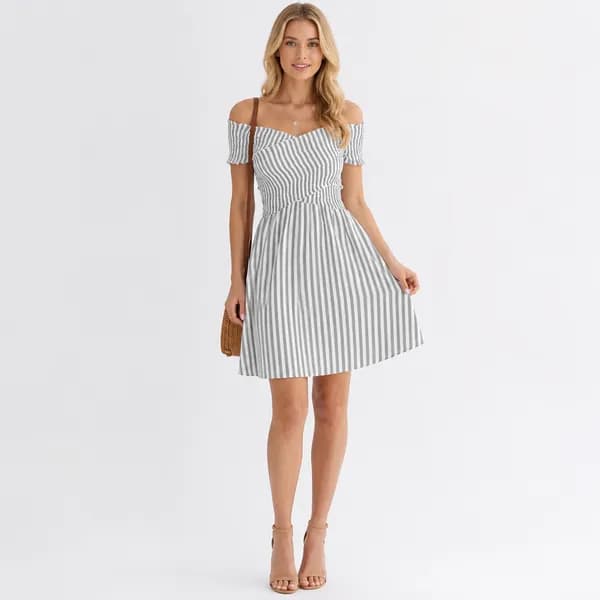
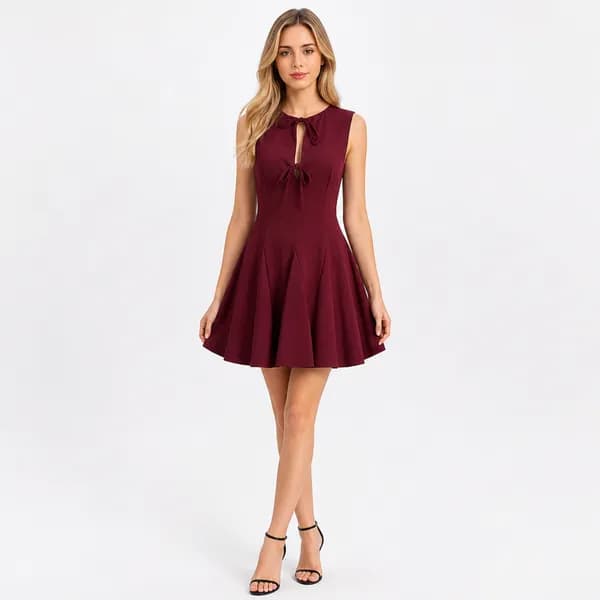
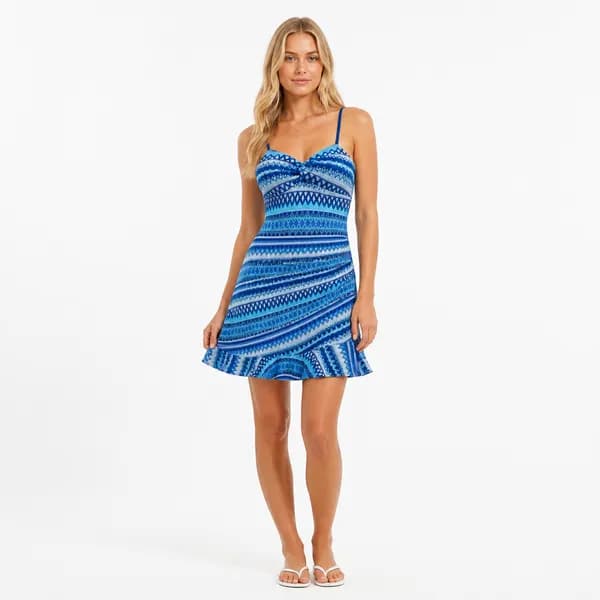
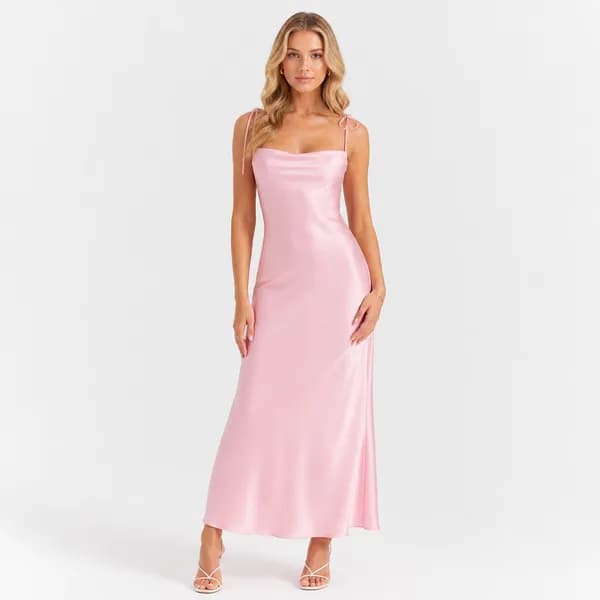
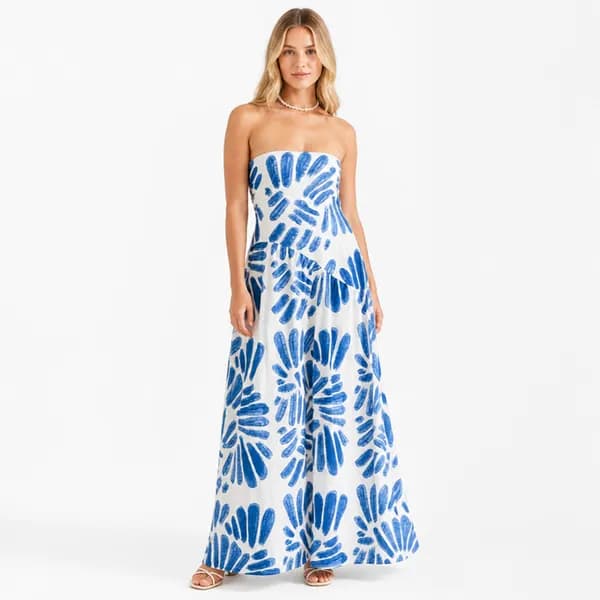
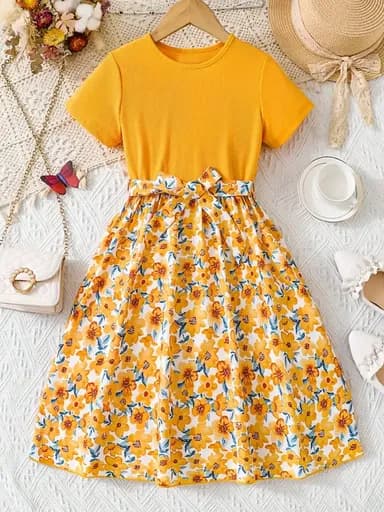 Before
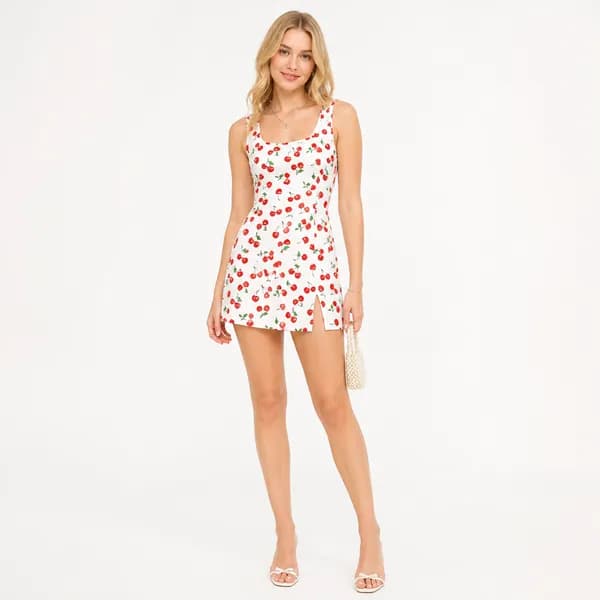
What every competitor imports
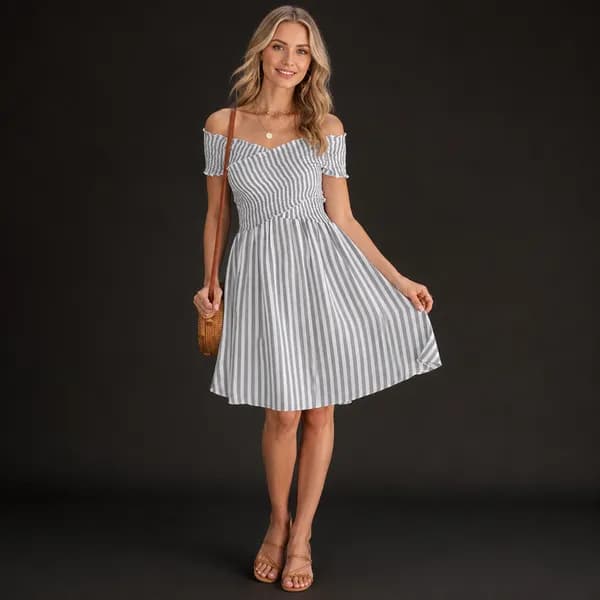
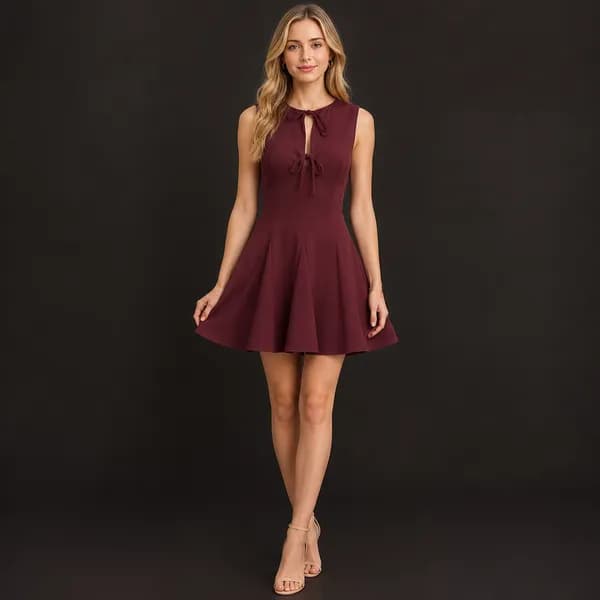
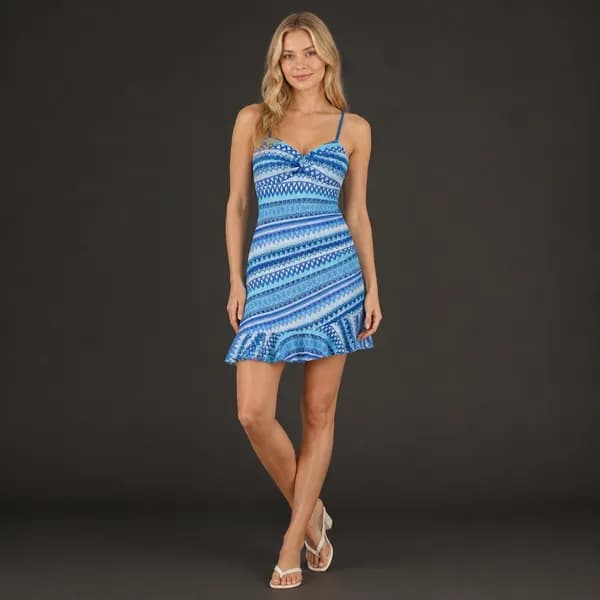
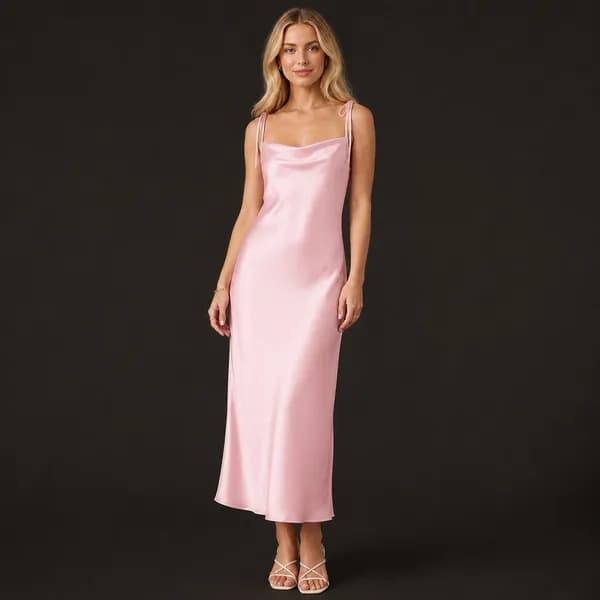
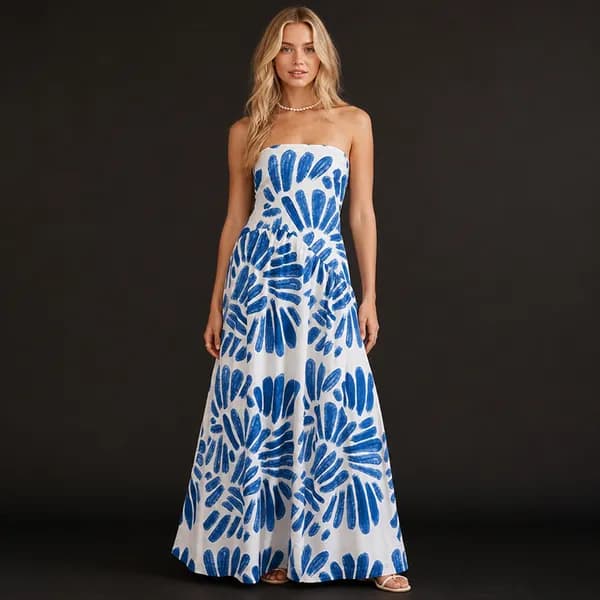
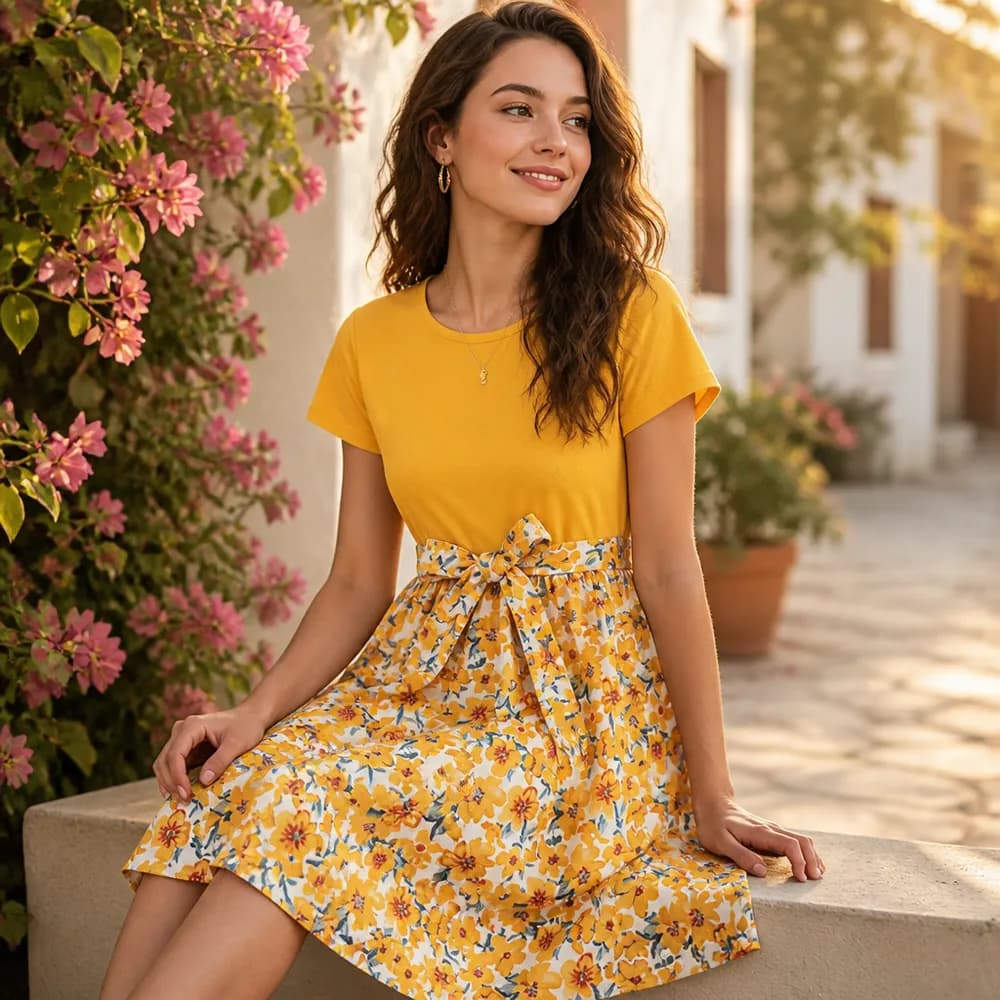 After
AfterUnique, branded, conversion-ready
Great products lose to bad, generic images
Sourcing from AliExpress means starting with the same photos as thousands of other stores. Here's what that costs you.
Identical to every competitor
Every dropshipper sourcing the same AliExpress product imports the exact same photos. Your listing looks interchangeable — and price becomes the only differentiator.
Watermarks & supplier branding
Raw supplier images arrive plastered with logos, watermarks, and text in the wrong language — unusable on a store you want to look like a brand.
Low-res, inconsistent, white-only
Blurry thumbnails, mismatched lighting, and flat white backgrounds across SKUs. Nothing that builds trust or stops the scroll.
Hours of manual editing per product
Background removal, staging, and retouching by hand — or a VA bill that scales linearly with every product you add.
From supplier URL to branded catalog in minutes
Image generation runs as part of the same import that builds your product pages — not a separate tool you bolt on afterward.
Paste a URL or import in bulk
Drop in any AliExpress or Shopify product URL — or a whole CSV. CopyHero pulls every supplier image automatically.
Pick a category template
Choose a reusable template for the product's niche — and AI generates a matching image set: backgrounds removed, watermarks gone, restaged into the studio and lifestyle scenes that template defines.
Published straight to your store
Store-ready visuals attach to the generated listing and publish to Shopify with the rest of the page. No exporting, no manual upload.
Define a template per category, then generate in bulk
Build a named, ordered image template once for each category or niche — fashion, gadgets, lamps — and reuse it across every future product. New imports automatically get a matching image set, so your whole catalog stays on-brand without per-product work.
- Reusable image templates per category or niche
- Consistent, ordered image sets across products
- Apply once — generate for hundreds of products
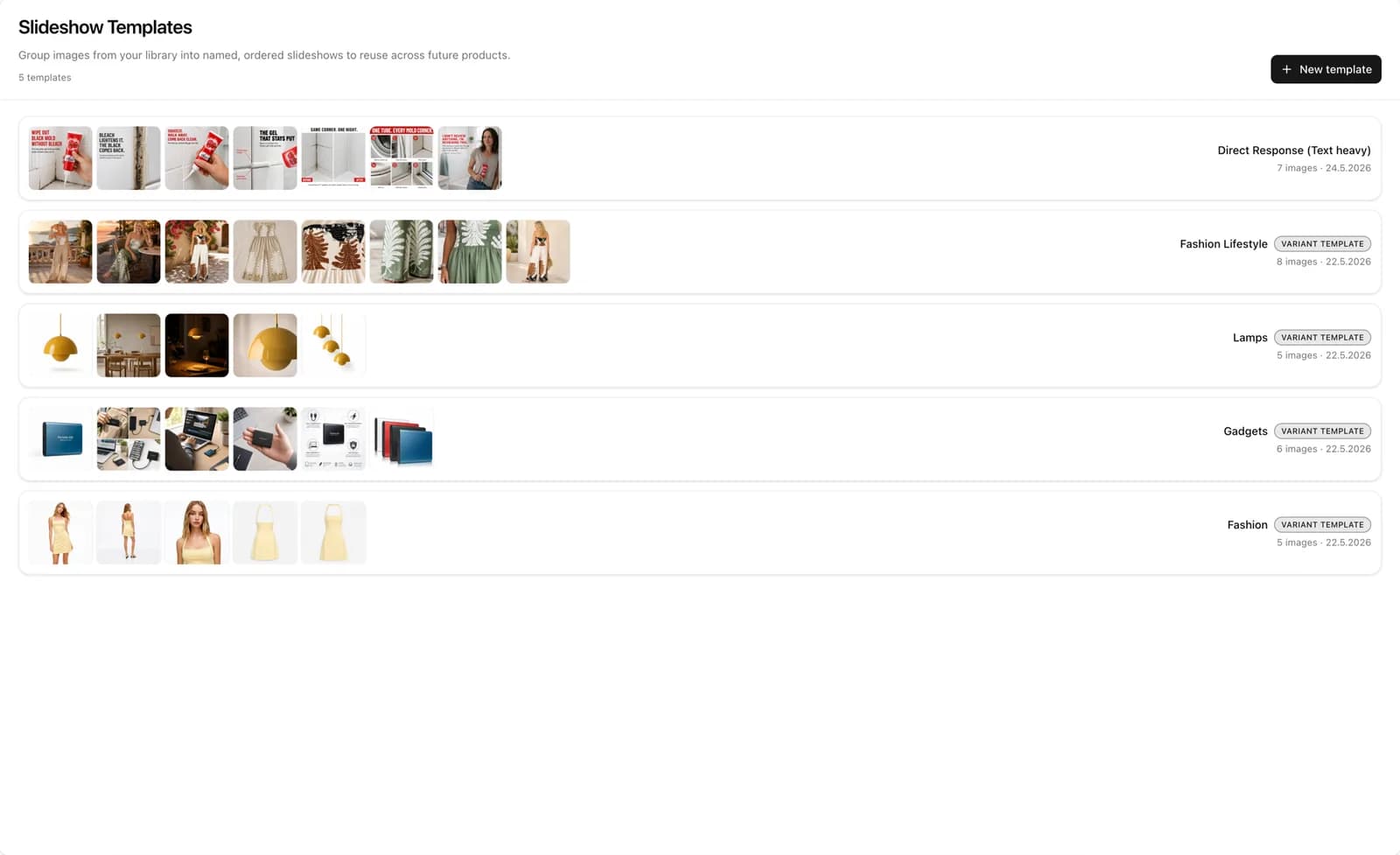
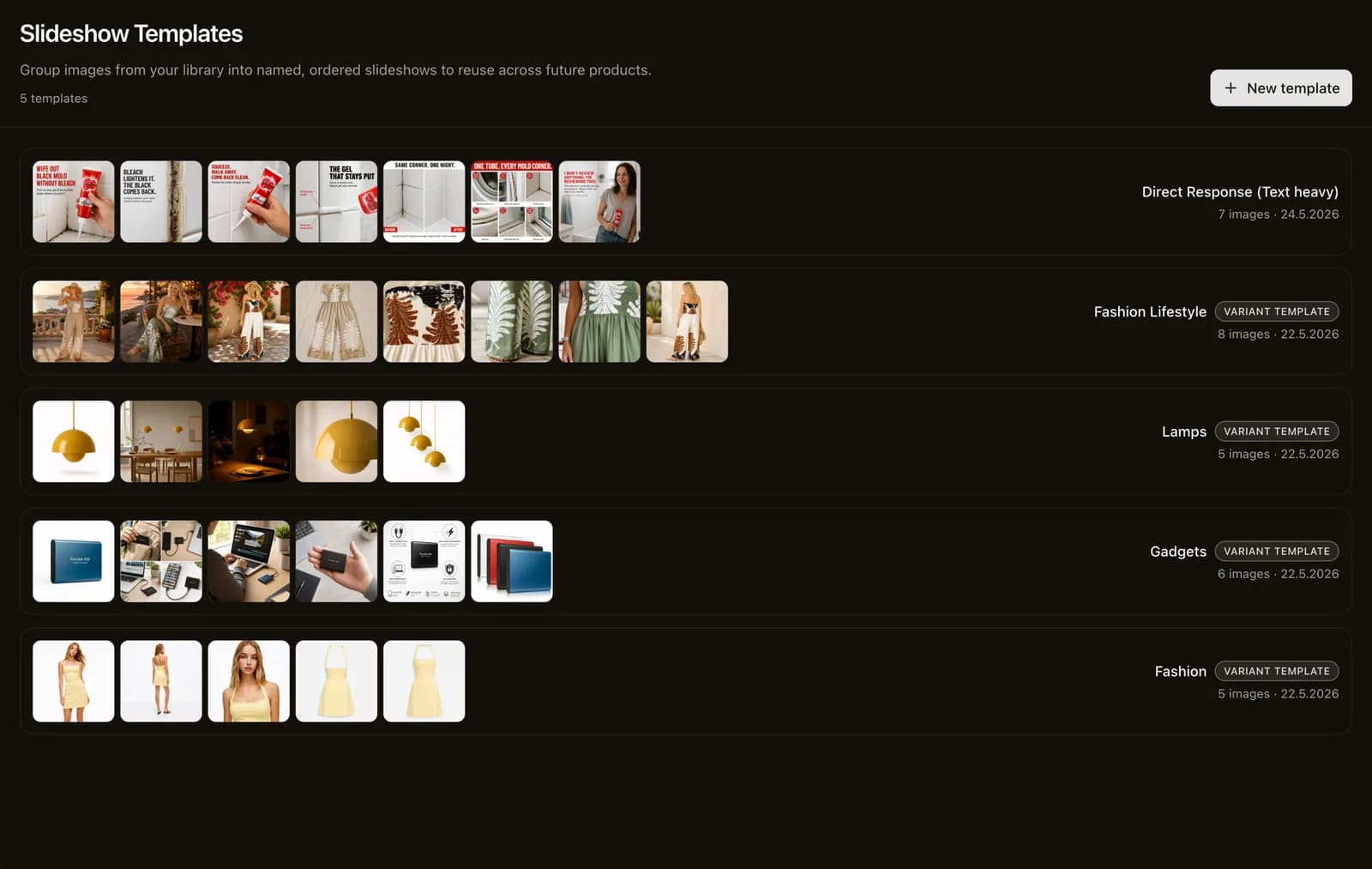
Background removal, watermarks gone, lifestyle scenes
Strip supplier watermarks and busy backgrounds, then restage the product into clean studio shots or realistic lifestyle scenes — held, worn, or placed in context — to help customers picture owning it.
- One-click background removal
- Watermark & supplier-logo removal
- AI lifestyle product staging
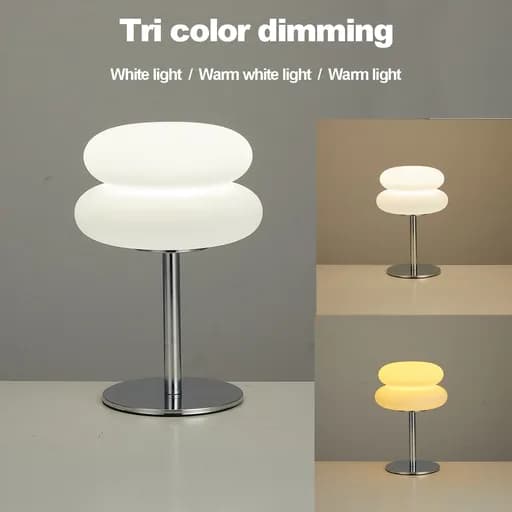 Before
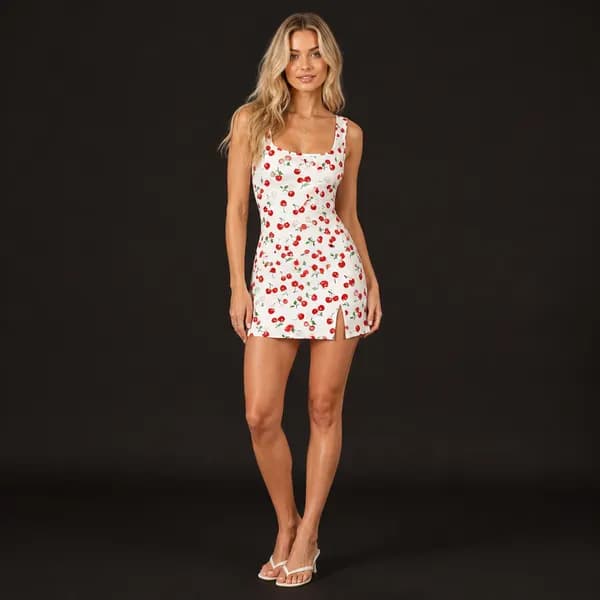
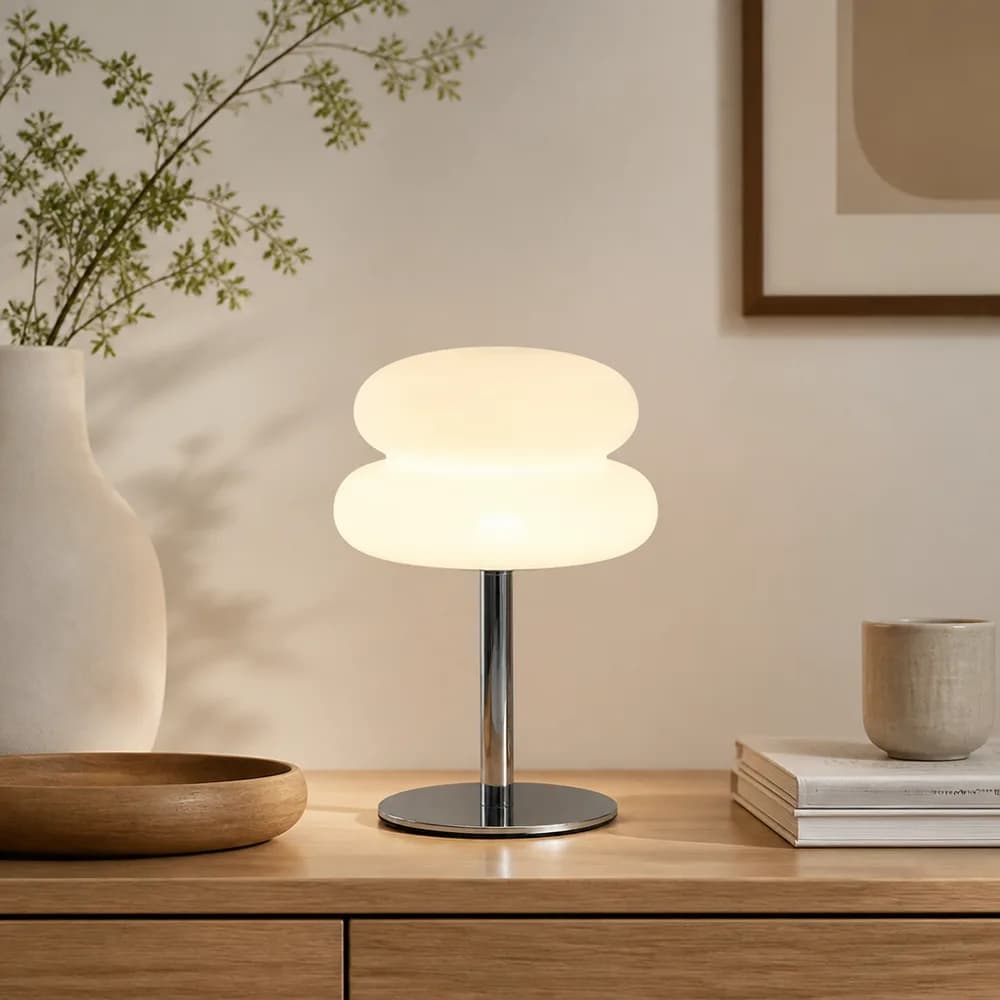 After
AfterUnique visuals that don't look like every other store
Because each image is generated for your store, your listings stop looking interchangeable with every competitor selling the same AliExpress product — so you compete on brand, not just price.
- Differentiated from identical supplier photos
- On-brand, store-ready output
- Higher-trust pages that convert
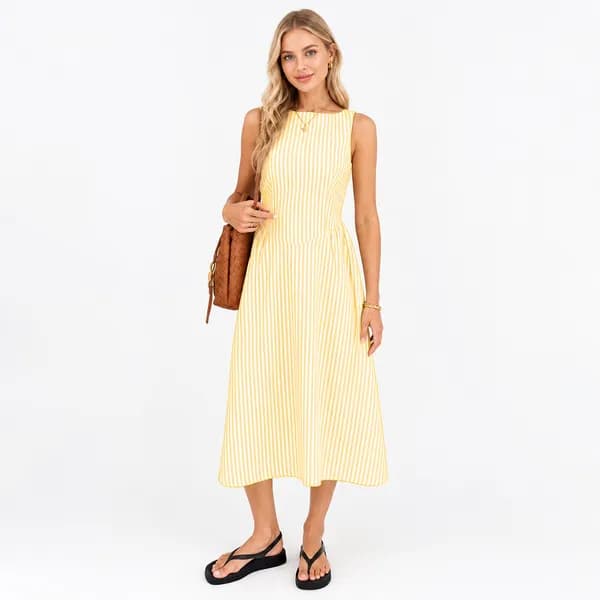
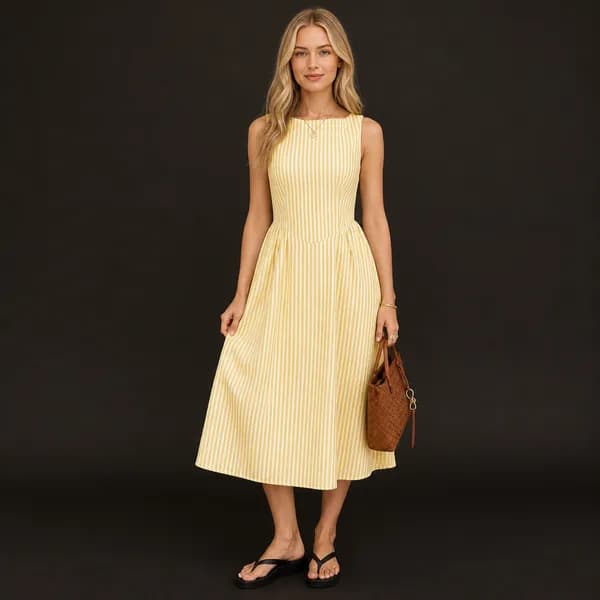
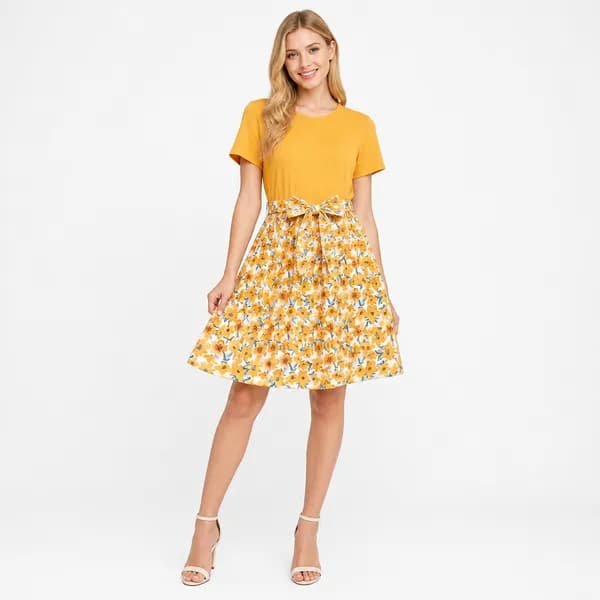
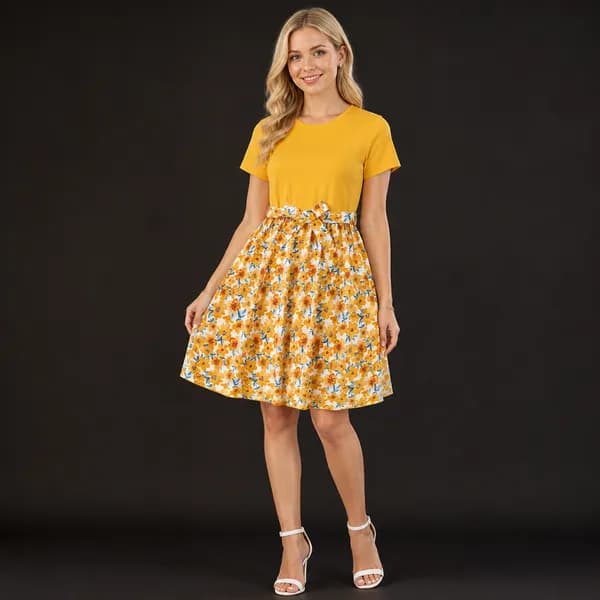
0%
higher click-through with AI-generated images
0%
less time spent creating listings
0–0%
lower product-photography cost
Frequently Asked Questions
Everything you need to know about AI product image generation.
How does AI product image generation work?
Paste any AliExpress or Shopify product URL — or import a whole CSV — and CopyHero pulls every supplier image automatically. You pick a category template, then AI removes the backgrounds and watermarks and restages the product into clean studio and lifestyle shots that match that template, producing unique, store-ready images with no manual editing. Say you import a desk lamp: the raw supplier photos arrive cluttered and watermarked, and CopyHero hands back a consistent set — a clean studio shot plus a lifestyle scene of the lamp lit on a desk — ready to publish to your store alongside the rest of the listing.
Can I generate product images in bulk?
Yes. Import your whole catalog and CopyHero generates fresh images for every product in one batch run — not one upload at a time — with a consistent look across every SKU. The trick is templates: define an ordered image set once for a category or niche, and every product in that import gets a matching set. So if you import fifty gadgets under one gadget template, you don't restage them one by one — you apply the template once and CopyHero produces the same on-brand sequence for all fifty, keeping your catalog visually consistent without per-product work.
Will my images look different from other dropshippers selling the same AliExpress product?
Yes — that's the point. Each image is generated for your store, so your listings stop looking identical to every competitor importing the same supplier photos. You compete on brand, not just price. Picture a trending phone case that a dozen stores all source from the same AliExpress listing: everyone else publishes the identical supplier thumbnail, while CopyHero restages your version into a clean studio shot and a lifestyle scene styled to your template. Same product, distinct presentation — so a shopper comparing tabs sees a page that looks like a real brand rather than another carbon copy.
Does it remove backgrounds and supplier watermarks?
Yes. CopyHero strips busy backgrounds, supplier logos, and watermarked text, then places the product on clean or lifestyle backgrounds that match your store. Supplier photos often arrive plastered with a brand stamp in the corner and promo text in the wrong language — exactly the stuff that makes a listing look like a reseller's. Take a kitchen gadget shot covered in a watermark and a cluttered tabletop: CopyHero clears the watermark and the busy background, then drops the product onto a clean studio surface or a realistic in-kitchen scene, so the image looks like it belongs to your store rather than the original supplier.
Can I create lifestyle product photos, not just white backgrounds?
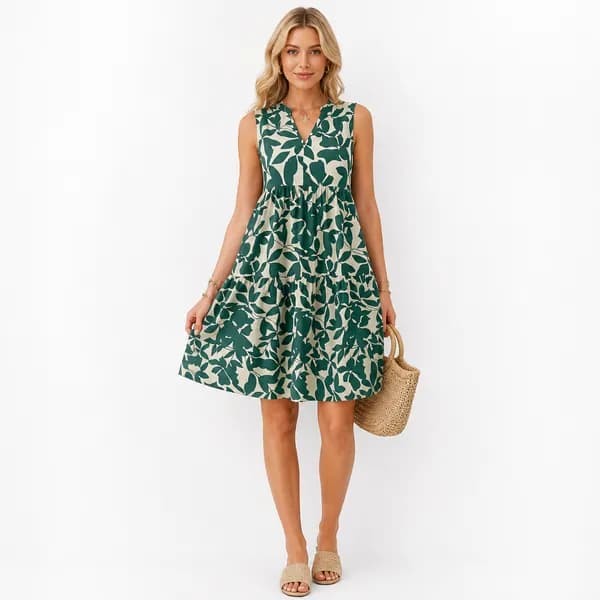
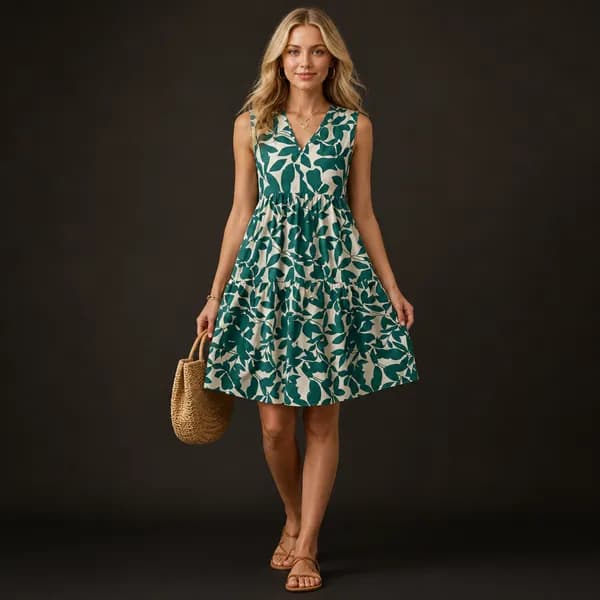
Yes. Beyond clean studio shots, CopyHero can stage products into realistic lifestyle scenes — held, worn, or placed in context — to help customers picture owning the product. White backgrounds prove what the item is; lifestyle scenes sell the feeling of using it. For a piece of clothing, that might mean a crisp studio shot of the garment plus a scene of it being worn in a real setting. Because lifestyle and studio shots are part of the same image template, both come out of one import — you decide the mix once per category and every product in that niche gets the same blend.
Does image generation work with both AliExpress and Shopify imports?
Yes. Image generation runs as part of the same import flow that builds your product pages, whether you're sourcing from an AliExpress or a Shopify URL — it's not a separate tool you bolt on afterward. If you're pulling a winning product straight from an AliExpress listing, CopyHero cleans up and restages the supplier photos on the way in. If you're migrating an existing catalog by Shopify URL, the same step refreshes those images too. Either source lands in one pipeline, so the visuals are generated alongside the rest of the listing rather than in a second pass.
Are the generated images ready to publish to Shopify?
Yes. Finished images attach to the generated listing and publish directly to your connected Shopify store along with the rest of the page — no exporting or manual upload. You don't download a ZIP of files and re-attach them by hand: when the listing goes live, the studio and lifestyle shots are already on the product, in the order your template defined. So importing a product and pushing it to Shopify gives you a publish-ready page — copy, variants, and store-ready visuals together — instead of leaving you to wire the images up as a separate, manual step afterward.
Ready to give every product unique images?
Still importing the same photos as your competitors?
Still paying for manual editing or a VA?
Still watching your listings blur together?
7-day free trial